 AI
AIGrammarly vs QuillBot free: the one that fixes your sentence, or the one that rewrites it
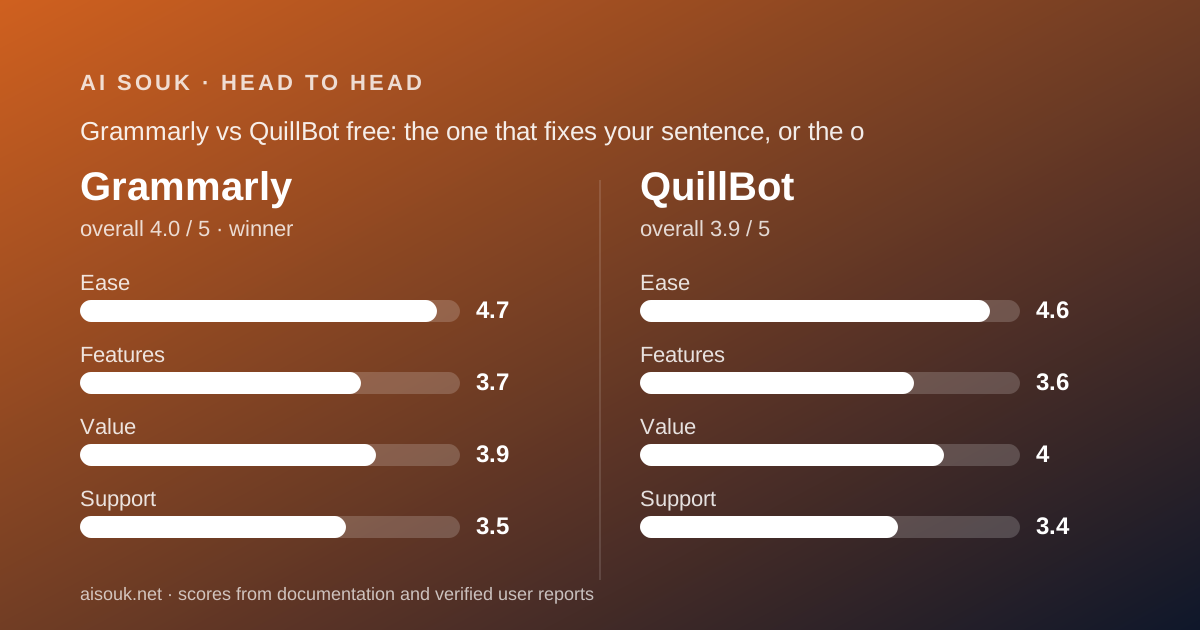
These two are often shopped as rivals and are mostly not. Grammarly's free plan corrects spelling, grammar and punctuation wherever you type, shows you the tone of a draft and gives you 100 AI prompts a month; the rewriting tools are paid. QuillBot's free plan is a paraphraser first, 125 words at a time in two modes, with a summariser, translator, grammar checker and AI detector around it, each capped. Short answer: Grammarly for anyone who writes in English all day and wants mistakes caught in place; QuillBot for anyone who regularly needs a paragraph said differently. The figures are the vendors' own as of October 2026.
 4.0Grammarly
 3.9QuillBot
The short answer
This is a documentation comparison drawn from Grammarly's plans page, Pro page, prompts support article and privacy policy, and from QuillBot's help center comparison article, product pages and pricing FAQ, all read October 7, 2026. No account was opened and no suggestion quality was measured. One gap is stated up front: QuillBot's privacy page returned an access error to every fetch attempted, so its training and retention terms could not be read. The single-product pages are Grammarly and QuillBot.
Grammarly wins for the general reader because its free tier does the thing most people need most often, catching errors in the email, the form, the document and the chat window as they are typed, and does it everywhere: browser extension, desktop apps, mobile keyboard and the Microsoft and Google office suites. There is almost no learning curve, and the correction layer has no word cap on the free plan.
QuillBot wins the rewording case, and it is a real case: a second-language writer, a student restating a source, an owner rewriting a templated email so it does not read like a template. Grammarly's free plan will tell you a sentence is wrong and will not rewrite it; QuillBot's free plan will rewrite it, 125 words at a time, in Standard or Fluency mode, without a login. If that is the daily task, QuillBot is the better free tool and the cheaper annual upgrade.
What each free tier includes (as of October 2026)
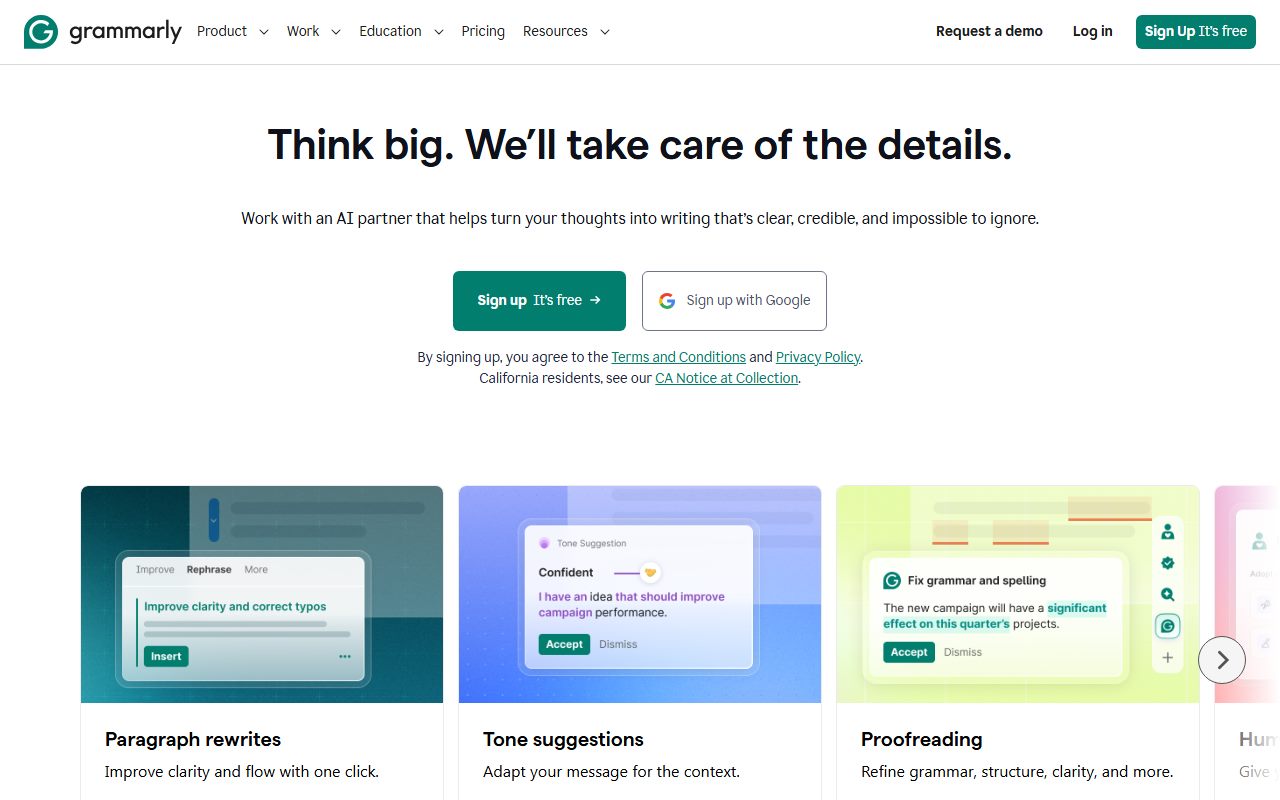
Grammarly's plans page, checked October 7, 2026, describes the Free plan at $0 in three lines: write without spelling and grammar mistakes, see your writing tone, and generate text with 100 AI prompts. The Pro page repeats the same baseline. The support article on prompts states that free users get 100 a month, refilling monthly on the anniversary of the day generative AI first became available in the account, not on the first of the month. The correction layer runs inside the browser extension, the Windows and macOS desktop apps, the mobile keyboard and the office-suite integrations. Full-sentence rewrites, tone adjustment, fluency, plagiarism detection and AI-text detection are all Pro.
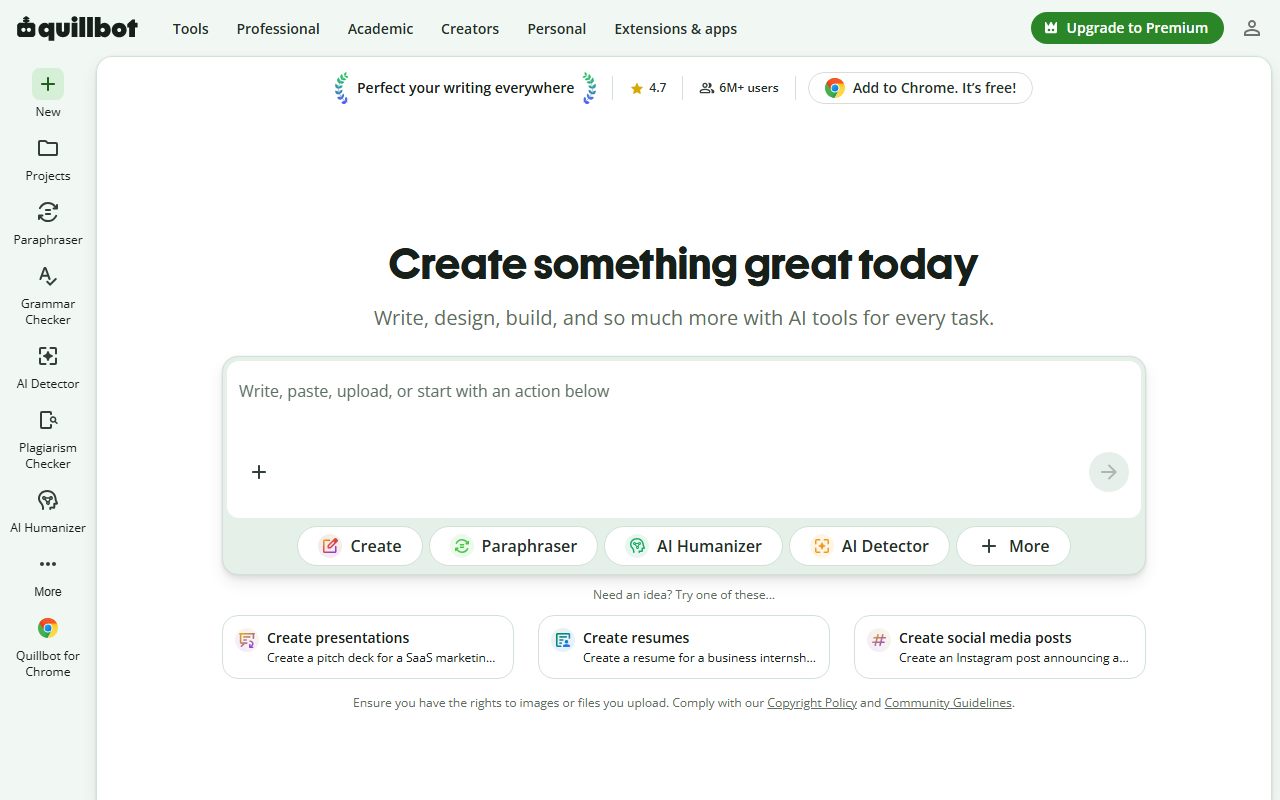
QuillBot's help center comparison article, read the same day, lists the free account as: Standard and Fluency paraphrasing modes, three synonym settings, paraphrasing up to 125 words, summarising up to 1,200 words in Paragraph and Bullet Point modes, the translator up to 5,000 characters, the AI detector up to 1,200 words and ten scans a day, the humaniser's advanced mode three times, 20 AI chat queries a day, three image generations and three presentation generations a day, 10 MB of Flow storage, five website-builder actions, and the browser and office extensions. The grammar checker is listed as free on the product pages with no word cap beside it in the table. The plagiarism checker is not on the free tier at all. The paraphraser's own page states it needs no sign-up for basic use.
The lists overlap in one place, grammar checking, and diverge everywhere else. Grammarly's free plan is deep on one thing and present everywhere; QuillBot's free plan is a set of nine tools each sized for a paragraph. The way to read them together is that Grammarly reviews what you wrote and QuillBot rewrites it, and the free tiers are honest samples of each.
Daily limits and what happens when you hit them
Grammarly's free correction layer has no documented cap; what it has instead is a visible count of the Pro suggestions it is withholding, advanced issues it has found and will not explain. Users on public forums describe the free experience as a constant reminder of what they are not paying for, which is a design choice rather than a bug and is the reason the value score on this site's review is not higher. The one metered item is the 100 generative prompts, which refill on the account anniversary; when they are spent, drafting and rewriting through the AI layer pause until the refill, and correction continues.
QuillBot's caps are per tool and per unit. The 125-word paraphrase cap means a 2,000-word report is fed in sixteen pieces; the help center presents it as the permanent free limit and it functions as the main upgrade pressure. The daily caps, 20 AI chat queries, ten detector scans, three image and three presentation generations, reset daily; the per-text caps, 1,200 words for the summariser and the detector and 5,000 characters for the translator, apply to every use. The humaniser's three advanced uses are not described as refilling.
The practical difference is where the ceiling sits. On Grammarly a free user can write all day and will only ever be stopped on the generative layer. On QuillBot a free user can rewrite all day, a paragraph at a time, and will be stopped by the size of the text rather than the number of attempts. Which is more annoying depends on the work: a long document is tedious on QuillBot's free plan and fine on Grammarly's; a heavy day of drafting with AI is fine on QuillBot's 20 daily chat queries and tight against Grammarly's 100 monthly prompts.
Quality of output for everyday work
Suggestion quality cannot be graded from documentation. The pattern reported publicly for grammar checkers is that they are reliable on mechanical errors, occasionally wrong on style, and that accepting every suggestion flattens a voice; the pattern reported for paraphrasers is that they can change meaning subtly, softening a hedge or swapping a technical term for a near-synonym that is wrong in context. Both patterns are consistent with what each product is.
What the documents say about output is this. Grammarly's free output is a corrected sentence, a tone label, confident, friendly, formal, and up to 100 AI-generated drafts or rewrites a month. It does not rewrite a whole sentence with one click on free, and it does not check plagiarism. QuillBot's free output is a reworded passage in one of two modes, Standard described by the vendor as the balanced default and Fluency as the mode that fixes grammar while changing as little as possible, plus a summary, a translation, a grammar pass and a detector probability. Fluency is the safer mode for anyone who cares about meaning.
For everyday business writing the question is which failure you can live with. Grammarly's free failure is withholding: it tells you there is a problem and sells you the fix. QuillBot's free failure is drift: it gives you the fix and you must read it as carefully as a stranger's edit, because that is what it is. For an email that must be right, Grammarly's withholding is the lesser risk. For an email that must sound different, QuillBot's drift is the price of the service.
One caution applies to both: each offers AI-text detection, free on QuillBot at 1,200 words and ten scans a day, Pro-only on Grammarly, and neither detector is reliable enough to judge a student or a contractor on. Checking your own draft is a reasonable use; judging someone else's is not.
Privacy and training defaults
This section is uneven because the documents are uneven.
Grammarly's privacy policy, which on October 7, 2026 redirected from grammarly.com to superhuman.com and identifies the controller as Superhuman Platform Inc., formerly Grammarly, states that the company uses personal data to develop and improve AI subject to your settings, and that you can decide whether it may use your content to train its models through the training controls in your account settings. The default state of that control on a new free account is not something this page can verify. The policy states the company makes money from paid products and not by selling user content, and describes retention as long as necessary and deletion rights under applicable law. The vendor documents the ability to turn the extension off for specific websites.
QuillBot's privacy policy could not be read: it returned an access error to every fetch attempted for this site's review, by more than one method. This page therefore cannot tell you whether pasted text is used to train models, how long it is retained, or whether a logged-out paraphrase is treated differently from a logged-in one. It will not guess and it will not paraphrase a third party's summary of the policy as if it were the policy.
The structural point is the same for both: a writing assistant has to see the text to check it, and an extension that works in every text box is, by design, a keylogger with good intentions. The sensible configuration on Grammarly is to disable the extension for banking, health portals, password managers and internal systems before relying on the training toggle. On QuillBot, the sensible configuration is to treat every paste as a disclosure until the policy can be read. Client drafts, unreleased material and anything under a confidentiality obligation belong in neither free tool.
Price of the first paid step
Grammarly Pro, per the Pro page as of October 2026, is $12 per member per month billed annually or $30 billed monthly, with a 7-day free trial mentioned on the plans page. It adds full-sentence rewrites, tone adjustment, fluency, unlimited personalised suggestions, plagiarism and AI-text detection, 2,000 AI prompts a month, priority support and team features. A support article still live on the same day says Premium users get 1,000 prompts, which this site reads as documentation lagging a rename; the plans page is the newer document.
QuillBot Premium, per the vendor's pricing FAQ, is $19.95 billed monthly or $99.95 billed every twelve months, presented as $8.33 a month, with a middle plan the FAQ labels semi-annual at $13.31 a month but describes as $39.95 billed every three months; the two descriptions cannot both be right and the live checkout will settle it. Premium adds unlimited paraphrasing length and all nine modes, custom modes, a compare-modes view, history, the full synonym slider, summarising to 6,000 words, the plagiarism checker with a 25,000-word monthly limit, unlimited detection, unlimited AI chat and more. The FAQ also states a subscription can be paused and used only in the months you need it.
On annual billing the first step is $8.33 on QuillBot against $12 on Grammarly, and the monthly rates invert the gap, $19.95 against $30. QuillBot's annual price and its pause option make it the cheaper commitment for a seasonal writer; Grammarly's $30 monthly rate is two and a half times its annual rate and is the price of not committing. What each buys is the thing the free plan withholds: on Grammarly, the rewrite; on QuillBot, the length. Both pricing pages say prices change; read the current one.
Pick this one if…
Pick Grammarly if you write in English all day across email, documents and web forms and want errors caught where they happen. The free correction layer has no word cap and runs in every place you type.
Pick QuillBot if you regularly need a sentence or a paragraph said differently and can work in 125-word pieces. Standard and Fluency modes are free without a login, and the annual upgrade is $8.33 a month if the pieces get tedious.
Pick Grammarly if you want to see tone before sending. The detector is free; changing the tone is paid on both, but only Grammarly shows the label for nothing.
Pick QuillBot if you also need a free summariser, translator or detector in the same place, each capped at a page or less.
Pick neither for plagiarism checking on free. It is Pro on Grammarly and Premium on QuillBot, and the question of which paid plan is better for that check is a question for the paid pages, not the free ones.
Frequently asked
Can the two be used together for free? Yes, and they do not overlap much: Grammarly's extension corrects as you type and QuillBot's paraphraser rewrites what you paste. Both ship browser and office extensions, so the sensible arrangement is one correcting in place and the other open in a tab. The privacy work doubles, and on QuillBot's side it cannot be completed until the policy is readable.
Does a general AI assistant replace either? For rewording, largely: an unlimited free chat assistant will paraphrase a paragraph without a 125-word cap, and this site's QuillBot review says the honest question for a heavy user is whether a general assistant does the job for free. For in-place correction across every app, no; that reach is Grammarly's product, and no chat window has it. ChatGPT is the free assistant to read about if rewording is the whole need.
Which has the better free grammar checker? Both list one, Grammarly with no cap and QuillBot with no cap shown in its table, and this page cannot grade accuracy. Grammarly's has been the product's core for years and runs wherever you type; QuillBot's is one tool among nine in a web app. On reach alone, Grammarly.
Visit Grammarly
We have no affiliate relationship with this vendor. Link goes to the official site.
Visit QuillBot
We have no affiliate relationship with this vendor. Link goes to the official site.