 AI
How to Use Tax1099 in 2026: Step-by-Step Guide to eFile Forms
Affiliate disclosure: this article contains affiliate links. If you buy through them we may earn a commission at no extra cost to you. It does not influence our editorial assessment.

Tax season requires accurate and timely filing of various IRS forms, which can be complex and time-consuming. Tax1099 offers a streamlined online platform to e-file 1099, W-2, 941, 1095, and other tax forms with built-in compliance checks and recipient delivery features. This guide explains how to use Tax1099 in 2026 to simplify your filing process, reduce errors, and meet IRS deadlines efficiently.
What is Tax1099 and who is it for?
Tax1099 is an online tax form filing service designed to help businesses and tax professionals submit IRS forms electronically with ease. According to the vendor, Tax1099 supports more than 20 different IRS forms, including 1099-NEC, 1099-MISC, W-2, 941, and 1095 series forms, covering a broad range of reporting requirements. The platform automates calculations such as withholding and payments, reducing manual effort and errors.
The service is especially beneficial for small to medium-sized businesses that need to file information returns for contractors, employees, and vendors. Accountants and payroll providers also find value in Tax1099’s bulk upload capabilities and integration with popular accounting software, which simplify data management and filing. Additionally, organizations managing multiple payees benefit from the platform’s ability to handle large volumes efficiently.
Tax1099 provides a centralized dashboard where users can track filing statuses, access history, and manage recipient copies. The platform ensures IRS compliance through built-in validations and real-time error checking. These features make Tax1099 an efficient and reliable choice for users seeking to reduce manual errors, meet deadlines, and maintain accurate records.
Before you start
Before filing, users must create an account on Tax1099 by providing basic business information such as legal name, Employer Identification Number (EIN) or Social Security Number (SSN), and contact details. The platform requires identity verification to protect sensitive tax data and comply with IRS security standards.

Gathering accurate payee information is crucial before uploading data. This includes full legal names, mailing addresses, and valid taxpayer identification numbers (TINs). Providing correct TINs is essential because incorrect or missing TINs can lead to IRS penalties or rejected filings. Tax1099 supports various import formats, including CSV and Excel files, allowing users to prepare and upload data efficiently.
Users should also familiarize themselves with the IRS deadlines for each form type they plan to file. Tax1099 provides automated reminders and alerts to help users stay on schedule. It is important to ensure a secure internet connection when submitting forms online to protect sensitive information. Additionally, users should verify that their browser and software meet the platform’s technical requirements for optimal performance.
Step-by-step getting started
- Create an account: Visit the Tax1099 website and register by entering your business details, including EIN or SSN. Complete identity verification steps to secure your account.
- Select forms to file: Choose the specific IRS forms you need to submit, such as 1099-NEC for contractor payments, W-2 for employees, or 941 for payroll tax reporting.
- Upload recipient data: Import payee information using supported file formats like CSV or Excel, or enter data manually if preferred. The system automatically validates the data for common errors, such as missing TINs or invalid addresses.
- Review and edit: Carefully examine calculated amounts, such as nonemployee compensation or withholding, and verify recipient details. Make any necessary corrections before proceeding.
- Submit forms: Electronically file your completed forms with the IRS through Tax1099’s secure submission process. The platform provides real-time status updates and alerts if any issues arise.
- Deliver recipient copies: Use Tax1099’s built-in options to email recipient copies securely or print them for mailing. This ensures compliance with IRS requirements for providing copies to payees.
- Track filing status: Monitor the progress of your filings via the dashboard. Receive confirmations when forms are accepted by the IRS and access filing history for record-keeping.

Following these detailed steps ensures a smooth, compliant filing experience that reduces errors and saves time.
Tips to get more out of Tax1099
- Use bulk upload: Upload large volumes of recipient records at once using CSV or Excel files. This saves time and reduces manual data entry errors when managing many payees.
- Leverage integrations: Connect Tax1099 with accounting software such as QuickBooks or Xero to import payee and payment data directly. This streamlines the process and minimizes duplicate data entry.
- Schedule filings early: Submit forms well before IRS deadlines to avoid last-minute technical issues or processing delays. Early filing also provides time to address any errors or rejections.
- Enable recipient delivery: Automate the distribution of recipient copies via email to comply with IRS delivery requirements quickly and efficiently. This feature reduces printing and mailing costs.
- Utilize validation tools: Take advantage of Tax1099’s built-in error-checking features that validate TINs, names, and addresses before submission. Catching errors early reduces the risk of rejected filings.
- Access support resources: Use Tax1099’s extensive help center, including FAQs, tutorials, and customer service options, to resolve questions about filing requirements or platform usage.
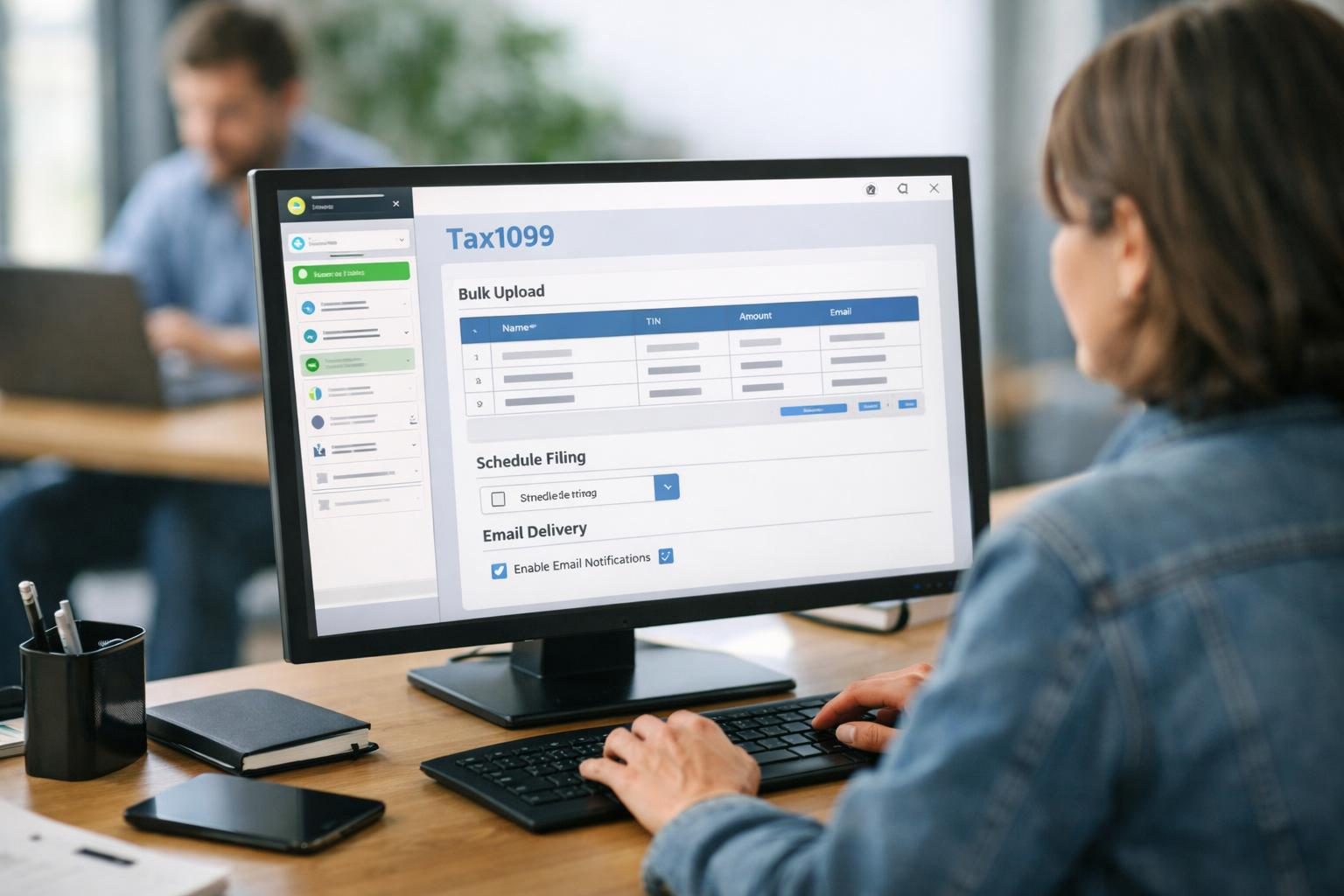
Implementing these tips helps maximize the efficiency and accuracy of your tax filing process using Tax1099.
Common mistakes to avoid
- Incorrect TIN entries: Entering incorrect or invalid taxpayer identification numbers is a common error that results in IRS rejections and potential penalties. Always verify TINs against official records.
- Missing deadlines: Filing forms after IRS deadlines can lead to fines and interest charges. Be aware of due dates for each form type and use Tax1099’s reminders to stay on schedule.
- Incomplete recipient information: Omitting required details such as full legal names, mailing addresses, or taxpayer IDs can cause processing delays or rejected filings.
- Ignoring validation errors: Overlooking system warnings or error messages during data import or review increases the chance of submitting incorrect information.
- Not confirming submissions: Failing to check the filing status after submission may leave errors undetected, risking non-compliance.
- Skipping recipient delivery: Neglecting to provide recipient copies violates IRS regulations and may result in penalties. Use Tax1099’s recipient delivery tools to comply.
Avoiding these common pitfalls ensures smoother filing and reduces the risk of costly mistakes.
FAQ
What forms can I file with Tax1099?
Tax1099 supports filing over 20 IRS forms, including 1099-NEC for contractor payments, 1099-MISC for miscellaneous income, W-2 for employee wages, 941 for employer payroll tax returns, and 1095 series forms related to health coverage. This broad coverage accommodates many common business reporting needs.
Is Tax1099 IRS-approved for e-filing?
Yes, Tax1099 is an IRS-authorized e-file provider. This authorization means that the platform meets federal security and compliance standards required for submitting tax forms electronically.
Can I import data from accounting software?
Tax1099 offers integrations with popular accounting platforms like QuickBooks and Xero. These integrations allow users to import payee and payment data directly, reducing manual entry and improving accuracy.
How does recipient delivery work?
Tax1099 provides options to email recipient copies securely or print them for mailing. These delivery methods ensure compliance with IRS regulations requiring that payees receive their copies by specified deadlines.
Are there bulk filing options?
Yes, users can upload multiple recipient records via CSV or Excel files to file forms in bulk. This feature is especially useful for businesses with many contractors or employees, making large-scale filing more efficient.
What support resources are available?
Tax1099 offers a comprehensive help center with FAQs, video tutorials, and detailed guides. Customer support is available via email and phone to assist users with technical issues or filing questions.
Is Tax1099 worth it?
Tax1099 provides a comprehensive, IRS-compliant platform for electronically filing a wide range of tax forms. Its automation features, bulk upload capabilities, and recipient delivery options make it well-suited for businesses managing numerous filings. The platform’s integration with accounting software and real-time status tracking enhance efficiency and accuracy, helping users meet tax reporting obligations in 2026 with confidence.