 AI
How to Use Navan in 2026: Step-by-Step Corporate Travel Guide
Affiliate disclosure: this article contains affiliate links. If you buy through them we may earn a commission at no extra cost to you. It does not influence our editorial assessment.
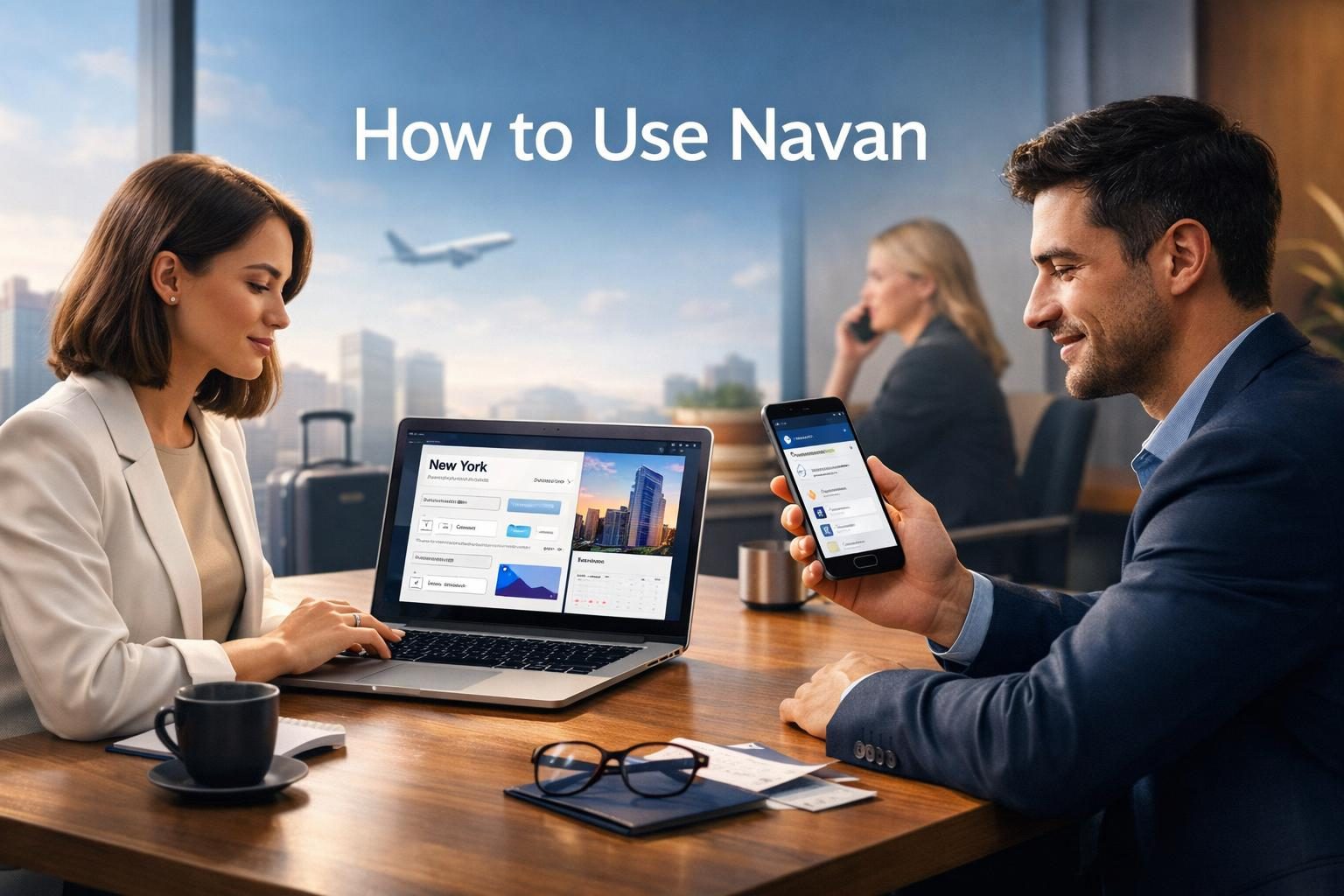
Navan is a comprehensive platform designed to simplify and unify corporate travel management and expense processes. This guide provides a detailed overview of Navan’s core features, explains how businesses can get started with it, and offers practical advice to optimize its use. By following this guide, companies can improve travel coordination, enforce policies, and gain better control over travel-related expenses.
What is Navan and who is it for?
Navan is an integrated corporate travel and expense management platform that consolidates multiple functions into a single application. According to the vendor, it combines travel booking, itinerary management, expense tracking, and policy enforcement in one seamless experience. This integration reduces the need for multiple tools and manual processes, helping organizations streamline their workflows.
The platform primarily serves corporate travel managers, finance teams, and business travelers within organizations of all sizes. Travel managers benefit from centralized control and automation of travel policies, enabling them to monitor compliance and reduce unauthorized spending. Finance teams gain real-time visibility into travel expenses, simplifying budget management and reconciliation.
Employees who travel for business also benefit by accessing a user-friendly booking tool that adheres to company policies, along with mobile support for itinerary updates and expense submissions. Navan supports frequent travelers, occasional users, and administrators alike, making it suitable for companies aiming to optimize their entire travel program.
Additional features include automated travel approvals, real-time alerts for itinerary changes, and powerful analytics dashboards. These enable organizations to proactively manage risks, improve traveler safety, and make data-driven decisions about travel spend. The platform’s availability on both desktop and mobile devices ensures accessibility and convenience for all users.
Before you start
Before implementing Navan, companies should prepare by gathering essential information and aligning internal policies. First, businesses must register for a corporate account via Navan’s official onboarding process, which requires submitting company details and verifying the corporate email domain. This verification step ensures security and restricts access to authorized employees.
Organizations should review their existing travel and expense policies to ensure they are clear and up-to-date. Navan allows customization of these policies within the platform, enabling automated enforcement of rules such as preferred suppliers, spending limits, and approval workflows. Having well-defined policies prior to setup maximizes the platform’s effectiveness.
User management is another critical preparatory step. Admins need to create user profiles for all travelers and assign appropriate roles and permissions. This controls access levels and booking capabilities, protecting sensitive information and preventing unauthorized actions.
Integration readiness is also important. Navan supports connections with various finance, HR, and accounting systems, which streamline expense reconciliation and reporting. Organizations should identify these systems in advance and prepare necessary credentials and API details to facilitate smooth integration.
Finally, ensure that all employees have access to compatible devices and reliable internet connections. Navan’s mobile app requires iOS or Android devices, which are essential for travelers needing real-time itinerary updates and expense submissions on the go. Providing training or instructional materials at this stage can help users adapt quickly.
Step-by-step: getting started
- Register your company account: Begin by visiting Navan’s official site and completing the registration form with accurate company information. Verify your corporate email domain to protect your organization and ensure only authorized users can join.

- Set up user profiles: Add employees who will use Navan, including frequent travelers, managers, and finance personnel. Assign roles such as traveler, approver, or admin to control access and functionality according to each user’s responsibilities.
- Configure travel policies: Input your company’s specific travel and expense guidelines into Navan. This includes setting rules for preferred airlines, hotel chains, spending limits, and approval workflows. Policy automation helps prevent off-policy bookings and reduces manual oversight.
- Integrate with finance tools: Connect Navan with your existing accounting, ERP, or expense management systems. This integration allows seamless data transfer for faster expense reporting, auditing, and reimbursement.
- Download the app: Encourage all travelers to install the Navan mobile app on their smartphones. The app provides access to booking, itinerary management, travel alerts, and expense submission anywhere, enhancing traveler experience.
- Book travel: Employees can search for flights, hotels, and rental cars within Navan’s platform. The system filters options based on company policies, preferred vendors, and negotiated rates, ensuring compliance and savings.
- Manage itineraries: Once booked, travelers receive automatic itinerary updates and can make changes as needed. Real-time notifications alert users to delays, cancellations, or other disruptions, enabling proactive adjustments.
- Submit expenses: Travelers capture receipts and submit expense reports through Navan’s app or web portal. The platform supports receipt scanning and automated expense categorization, simplifying the approval process.
- Review reports: Managers and finance teams can access detailed dashboards that display travel spend, policy compliance, and savings opportunities. These insights assist in optimizing travel programs and budgeting.
Following these steps ensures an efficient and thorough implementation, enabling organizations to fully leverage Navan’s capabilities.
Tips to get more out of Navan
- Leverage policy automation: Automating approvals and expense controls reduces manual errors and administrative burden. It ensures bookings and expenses align with company guidelines, helping maintain budget discipline.
- Use real-time travel alerts: Enabling notifications keeps travelers informed about itinerary changes, flight delays, or cancellations. This proactive communication improves traveler safety and satisfaction.
- Integrate expense management: Linking Navan with finance and accounting systems facilitates faster expense reconciliation and accurate reporting, reducing delays in reimbursements.
- Customize dashboards: Tailoring analytics dashboards to focus on key performance indicators such as travel spend by department or compliance rates helps managers make informed decisions.
- Encourage mobile adoption: Promoting the use of Navan’s mobile app allows travelers to manage bookings, submit expenses, and receive alerts on the go, increasing convenience and productivity.
- Provide regular training: Conducting onboarding sessions and refresher training helps users stay updated on new features and best practices, boosting platform adoption and compliance.
- Monitor supplier performance: Use Navan’s data analytics to evaluate vendor performance and negotiate better rates or service agreements.
- Set up traveler profiles: Maintaining detailed traveler preferences and frequent flyer information streamlines booking and enhances user experience.

Implementing these tips helps organizations maximize the value of Navan and optimize their corporate travel programs.
Common mistakes to avoid
- Skipping policy configuration: Failing to set up comprehensive travel and expense policies within Navan can lead to off-policy bookings, uncontrolled spending, and compliance issues.
- Neglecting user permissions: Assigning incorrect roles or permissions may result in unauthorized bookings or data access, compromising security and control.
- Delaying integration with finance systems: Postponing or overlooking integration slows down expense processing, complicates reporting, and increases manual workload.
- Ignoring mobile app adoption: Overlooking the mobile platform limits travelers’ ability to receive real-time updates and submit expenses promptly, reducing overall efficiency.
- Insufficient user training: Without adequate training, users may struggle to navigate Navan effectively, leading to low adoption rates and increased errors.
- Not monitoring travel data: Failing to regularly review travel and expense reports means missing opportunities to optimize spend and improve policies.
- Overcomplicating workflows: Creating overly complex approval processes or policies can frustrate users and slow down travel arrangements.

Avoiding these common mistakes ensures smoother implementation, higher user satisfaction, and better control over corporate travel programs.
FAQ
What types of travel can be booked with Navan?
Navan supports booking flights, hotels, and rental cars all within one platform. This comprehensive approach allows users to manage complete itineraries without switching between multiple systems.
Can Navan enforce company travel policies?
Yes, Navan enables organizations to configure travel and expense policies that are automatically enforced during booking and expense submission. This helps maintain compliance and control costs.
Is Navan compatible with mobile devices?
According to the vendor, Navan offers a mobile app for both iOS and Android devices. The app provides travelers with access to bookings, real-time alerts, and expense management on the go.
How does Navan help with expense management?
Navan integrates travel bookings with expense reporting, allowing users to capture receipts, submit expenses, and track approvals within the same platform. This streamlines reimbursement and auditing processes.
Can Navan integrate with existing finance systems?
Yes, Navan supports integration with various accounting and ERP systems, enabling automated data transfer for expense reconciliation and financial reporting.
Does Navan provide travel support?
Navan offers real-time travel alerts and customer support to assist travelers with itinerary changes, cancellations, or unexpected disruptions, improving traveler safety and experience.
Is Navan worth it?
Navan combines corporate travel booking and expense management into a unified, streamlined platform. Its features support policy enforcement, real-time traveler support, and data-driven insights. For companies aiming to modernize and simplify their travel programs, Navan presents a scalable and efficient solution worth evaluating.