 AI
Getscreen 2026 Review: Browser-Based Remote Desktop Software
Affiliate disclosure: this article contains affiliate links. If you buy through them we may earn a commission at no extra cost to you. It does not influence our editorial assessment.
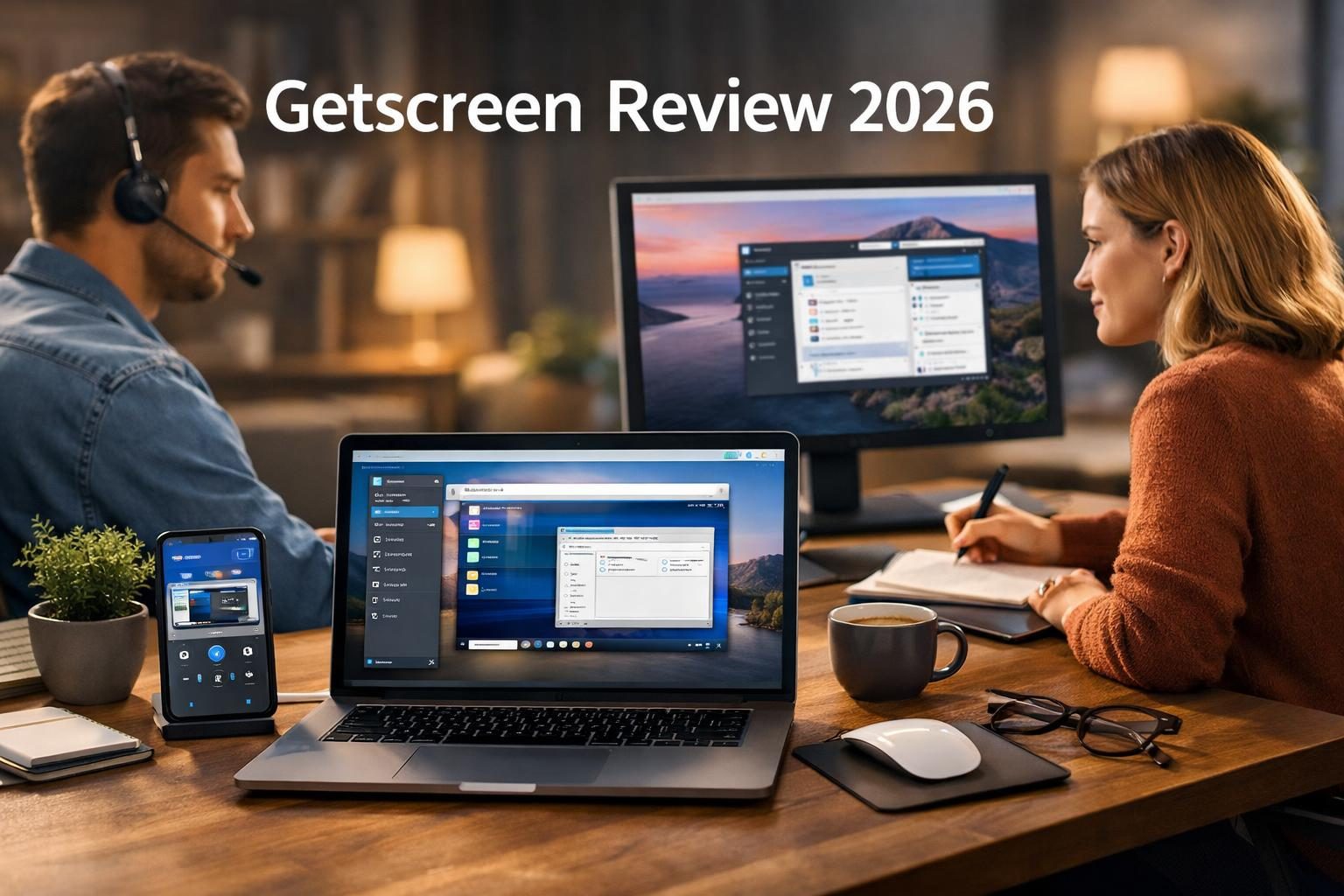
Getscreen.me is a browser-based remote desktop software designed to provide seamless remote access and support across devices. As of 2026, it targets IT professionals, helpdesk teams, and remote workers who require fast, secure, and easy-to-use remote connectivity without complex installations. Its web-based approach enables users to connect via any modern browser, eliminating reliance on dedicated client software and simplifying access from virtually any device with internet connectivity.
This solution is especially valuable for organizations with distributed teams or IT departments needing to support users remotely without the hassle of configuring firewalls or VPNs. According to the vendor, Getscreen prioritizes security and flexibility, making it suitable for both small businesses and larger enterprises. The platform's cloud infrastructure also reduces the burden of maintaining on-premises remote access servers, streamlining IT operations.
What is Getscreen?
Getscreen is a remote desktop platform that enables users to access and control computers remotely through a web browser. According to the vendor, it supports multiple operating systems, including Windows, macOS, Linux, and mobile platforms such as Android and iOS. This broad compatibility ensures that technicians and end users can connect regardless of device or operating system, facilitating diverse IT environments.
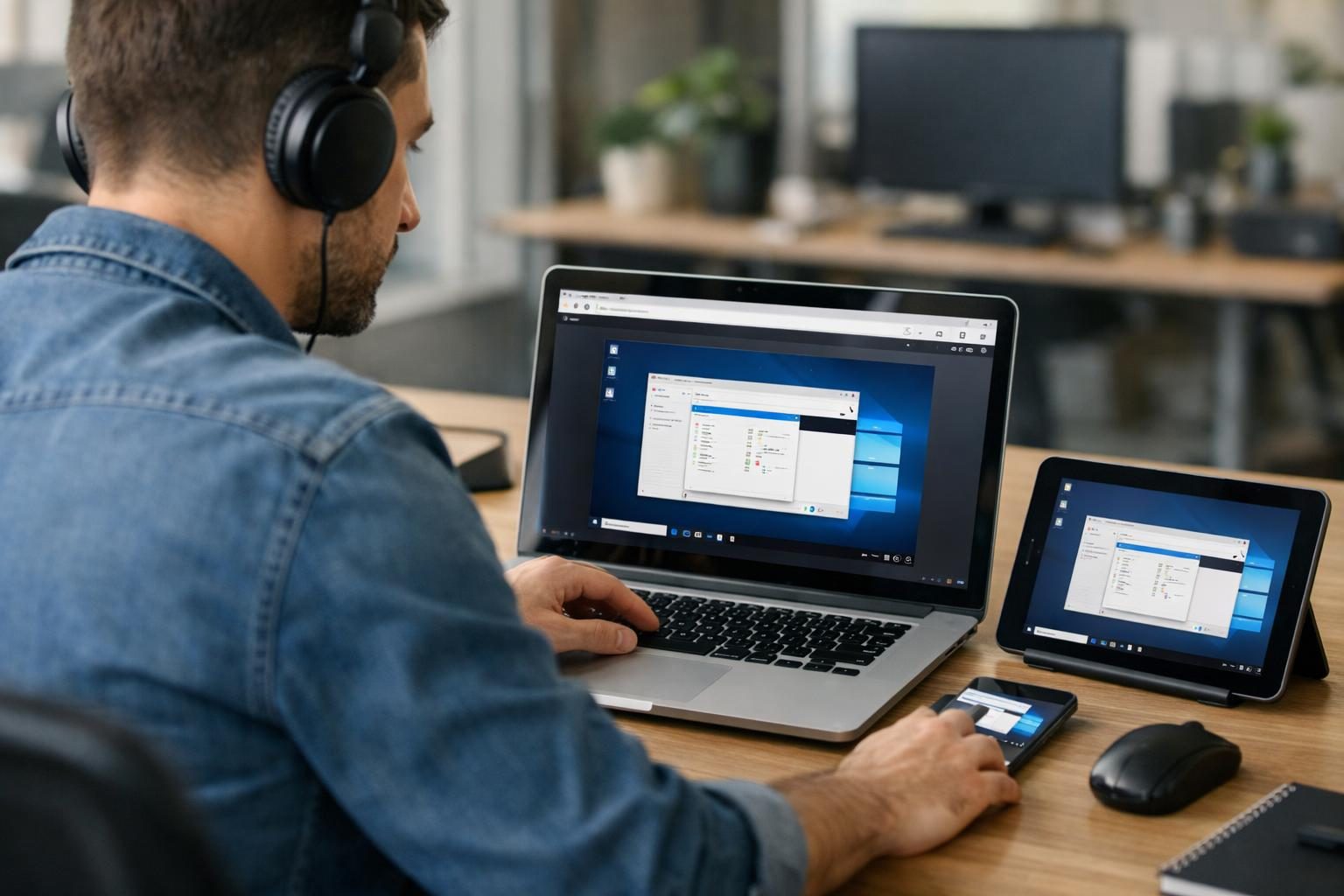
The service provides both instant remote support for on-demand troubleshooting and unattended access for ongoing device management. Instant support allows IT staff to quickly connect to user devices with minimal setup, ideal for resolving issues promptly. Unattended access enables continuous monitoring and maintenance of servers, kiosks, or office workstations without requiring someone on the other end to grant permission each time.
As a browser-based tool, Getscreen eliminates the need to install client software on the controlling device, reducing setup time and increasing accessibility. This is particularly beneficial for support teams who may need to assist clients using various devices or locations. Security is a key focus, with end-to-end encryption and session authorization mechanisms to protect data integrity and privacy during remote sessions.
Additionally, according to the vendor, Getscreen supports session recording for audit trails and compliance, which is critical for industries with strict regulatory requirements. The platform also offers API access and integrations to embed remote desktop capabilities into existing workflows and IT management systems.
Key features
- Browser-Based Access: Getscreen enables connections directly from any modern web browser such as Chrome, Firefox, or Edge, without requiring installation of dedicated client applications. This reduces barriers for technicians and users, making remote support and access more agile and accessible.
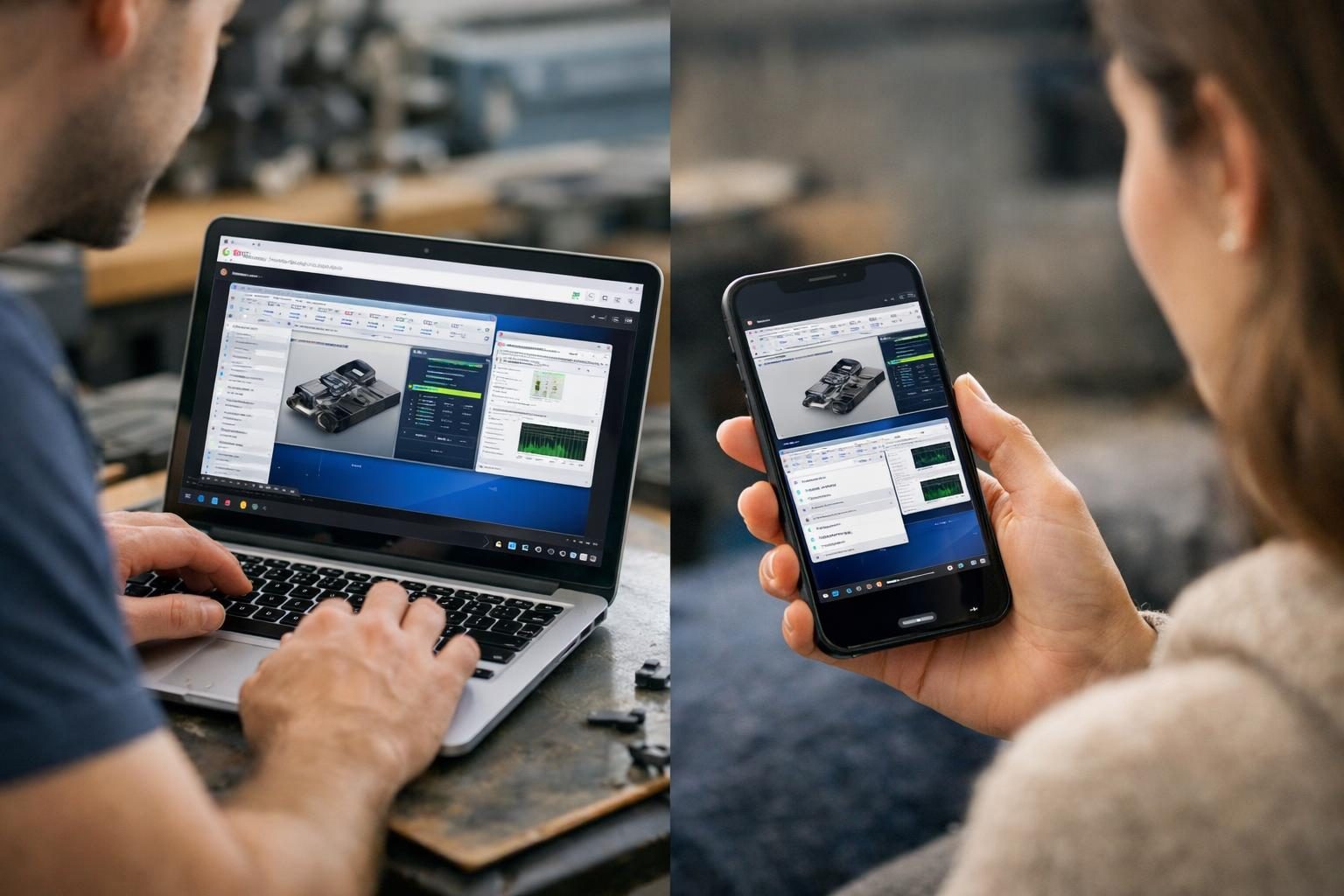
- Cross-Platform Support: The software supports a wide range of operating systems including Windows, macOS, Linux, Android, and iOS. This versatility allows organizations with mixed-device environments to maintain consistent remote access capabilities.
- Unattended Access: This feature allows IT teams to manage devices without requiring user intervention at the remote end. It is ideal for server maintenance, software updates, and monitoring unattended devices like kiosks or workstations.
- Instant Remote Support: Designed for quick, ad-hoc connections, this feature lets support staff connect to a user’s device immediately after receiving permission. This minimizes downtime and accelerates issue resolution.
- End-to-End Encryption: All remote sessions are protected with strong encryption protocols, ensuring that data transmitted during the connection remains confidential and secure from interception.
- Session Recording: Organizations can record remote sessions for auditing purposes, providing transparency and accountability. This is particularly important for compliance with data protection regulations.
- File Transfer: Users can transfer files between local and remote devices during sessions, enabling easy sharing of patches, logs, or other necessary documents without relying on third-party file sharing tools.
- Multi-User Access: Multiple technicians can join a single remote session simultaneously, fostering collaboration and knowledge sharing during complex troubleshooting or training scenarios.
- Custom Branding: Businesses can customize the interface and client applications with their logos and branding elements, maintaining brand consistency and delivering a professional experience to clients.
- API and Integrations: The platform offers APIs that allow organizations to integrate remote access capabilities into their existing IT management tools or automate workflows, enhancing operational efficiency.
Pricing
Detailed pricing information for Getscreen is not publicly available on the official website. Prospective users are encouraged to visit the official pricing page for the latest subscription plans and feature tiers. Pricing typically depends on factors such as the number of concurrent sessions, included features, and customer support levels.
Since pricing details are not openly listed, organizations should consider reaching out directly to Getscreen’s sales team for tailored quotes based on their specific use case and scale. This approach ensures that customers pay for features relevant to their needs and avoid unnecessary costs.
It is also advisable to verify whether any trial periods or demo accounts are available to evaluate the software before committing to a subscription. This practice helps organizations assess suitability and user experience firsthand.
Pros and cons
Pros:
- No client installation required on the controlling device, making access fast and flexible.
- Strong security protocols, including end-to-end encryption and session authorization, protect sensitive data.
- Comprehensive cross-platform support accommodates a variety of operating systems and devices.
- Features such as session recording and multi-user access enhance compliance and collaborative troubleshooting.
- Custom branding and API integrations allow businesses to tailor the platform to their workflows.
Cons:
- Pricing details are not transparent without direct vendor contact, complicating budget planning.
- Browser-based access, while convenient, may not deliver the same performance as native clients in all scenarios.
- Advanced features like API integration and custom branding may require technical expertise to implement effectively.
- The solution depends heavily on stable internet connectivity; poor connections can degrade the remote session quality.
Who should use it / who should not
Getscreen is ideal for IT professionals, managed service providers, and helpdesk teams who require a quick-to-deploy, secure remote desktop solution accessible from any device. Its browser-based nature suits support environments where technicians assist clients or employees using varied hardware without installing additional software.
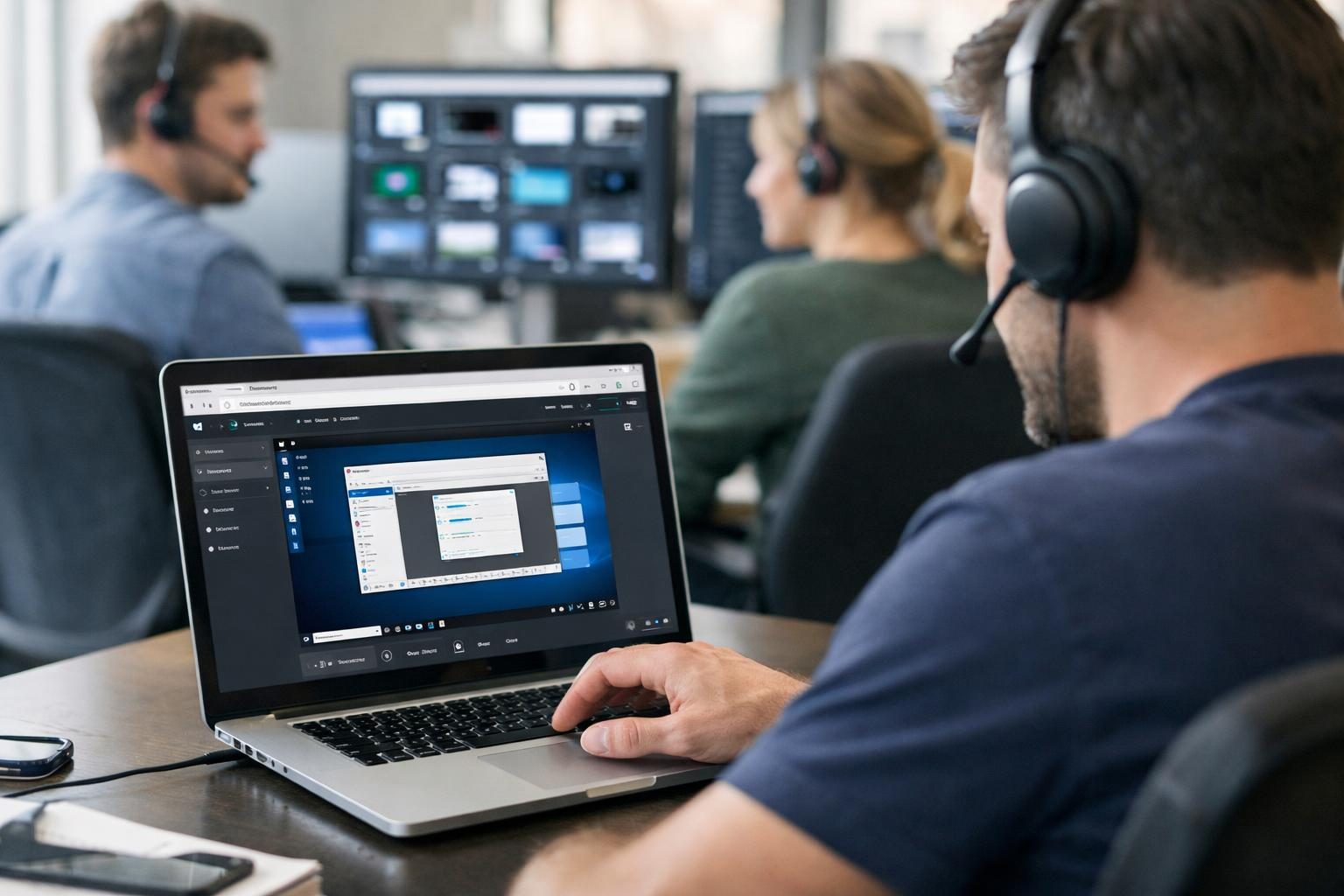
Businesses that need unattended access to devices for maintenance or monitoring will benefit from Getscreen’s capabilities. Additionally, organizations with compliance requirements can leverage session recording and encryption features to meet regulatory standards.
However, companies with highly specialized remote access needs, such as those requiring offline access or extensive native client features, might find alternative solutions more suitable. Similarly, environments with unreliable internet connectivity could experience challenges due to the web-based session dependency.
Users seeking straightforward, no-frills remote access with minimal configuration might also consider simpler tools, as Getscreen’s feature set is geared toward professional IT use.
Alternatives to consider
- TeamViewer: A widely recognized remote desktop solution offering native applications across platforms, including advanced features like remote printing and VPN. It is suitable for both individual and enterprise users requiring robust, feature-rich remote access.
- AnyDesk: Known for its low latency and high-performance remote sessions, AnyDesk supports a broad range of devices and offers customizable workflows. It appeals to users prioritizing speed and responsiveness.
- Chrome Remote Desktop: A free, browser-based remote access tool integrated with Google Chrome. It is ideal for users needing basic remote control capabilities without advanced enterprise features.
Each alternative varies in pricing, performance, and features. Organizations should evaluate them based on specific requirements such as security, scalability, and ease of use.
FAQ
Is Getscreen free to use?
Getscreen offers various subscription plans, but the availability of a free tier or trial period is not explicitly detailed on the official site. Prospective users should consult the pricing page or contact the vendor to clarify current offers.
Can Getscreen be used without installing software?
Yes, one of Getscreen’s key advantages is that remote control sessions can be initiated directly from modern web browsers without installing dedicated client software on the controlling device. However, some features may require software on the remote machine.
What security measures does Getscreen provide?
Getscreen employs end-to-end encryption to secure data transmitted during remote sessions. Additionally, session authorization and recording features enhance security by ensuring that only authorized users connect and providing audit trails.
Does Getscreen support mobile devices?
Yes, Getscreen supports remote access and control of devices running Android and iOS, enabling technicians to provide support or access systems from smartphones or tablets.
Can multiple users access the same remote session?
Yes, Getscreen allows multiple technicians to join a single remote session simultaneously. This facilitates collaborative troubleshooting, training, and knowledge sharing among team members.
Is there a limit on the number of remote devices?
The number of devices that can be accessed remotely depends on the subscription plan selected. Details regarding device limits are available through the official pricing page or by contacting Getscreen’s sales team.
Verdict
Getscreen delivers a versatile browser-based remote desktop solution emphasizing ease of access, security, and cross-platform compatibility. Its features like unattended access, session recording, and multi-user collaboration address the needs of modern IT support teams and remote workers. While pricing transparency is limited, the platform’s comprehensive capabilities make it a strong candidate for organizations seeking flexible, secure remote connectivity without client installation overhead.